 BlueprintReview
Troubleshooting
A file won't open
| The message says | What to do |
|---|---|
| a cooked asset | The file comes from a packaged build, and cooking removes the graphs. Open the asset from the project's Content folder instead |
| a Git LFS pointer, not the asset | The real file hasn't been downloaded. Run git lfs pull in the repository |
| a StaticMesh asset, not a Blueprint (or another kind) | BlueprintReview opens Blueprints, enums, structs and data tables. Other assets (meshes, materials, maps) have no graphs to show |
| saved by an engine older than UE 4.25 | Re-save the asset in a newer editor |
| unsupported package | The asset was saved in a form BlueprintReview doesn't read yet. Please send it to us, with the engine version |
Widget Blueprints and Animation Blueprints open, with their event graphs and functions; their Designer and AnimGraph views aren't shown.
Enum values show as NewEnumerator0
The Blueprint stores only an enum's entry names; their display names are in the enum's own asset. Open the
Blueprint from inside its project (or open the project's Content folder) so BlueprintReview finds the enum. When
it can't, a ⚠ in the toolbar lists what's missing; dropping the enum's .uasset onto the window fills it in.
Inherited values are missing
A Blueprint's parent Blueprint holds the values it inherits. Open the folder the Blueprints are in, or drop the
parent's .uasset onto the window. A note in Class Defaults says when the parent wasn't found.
A Blueprint looks wrong
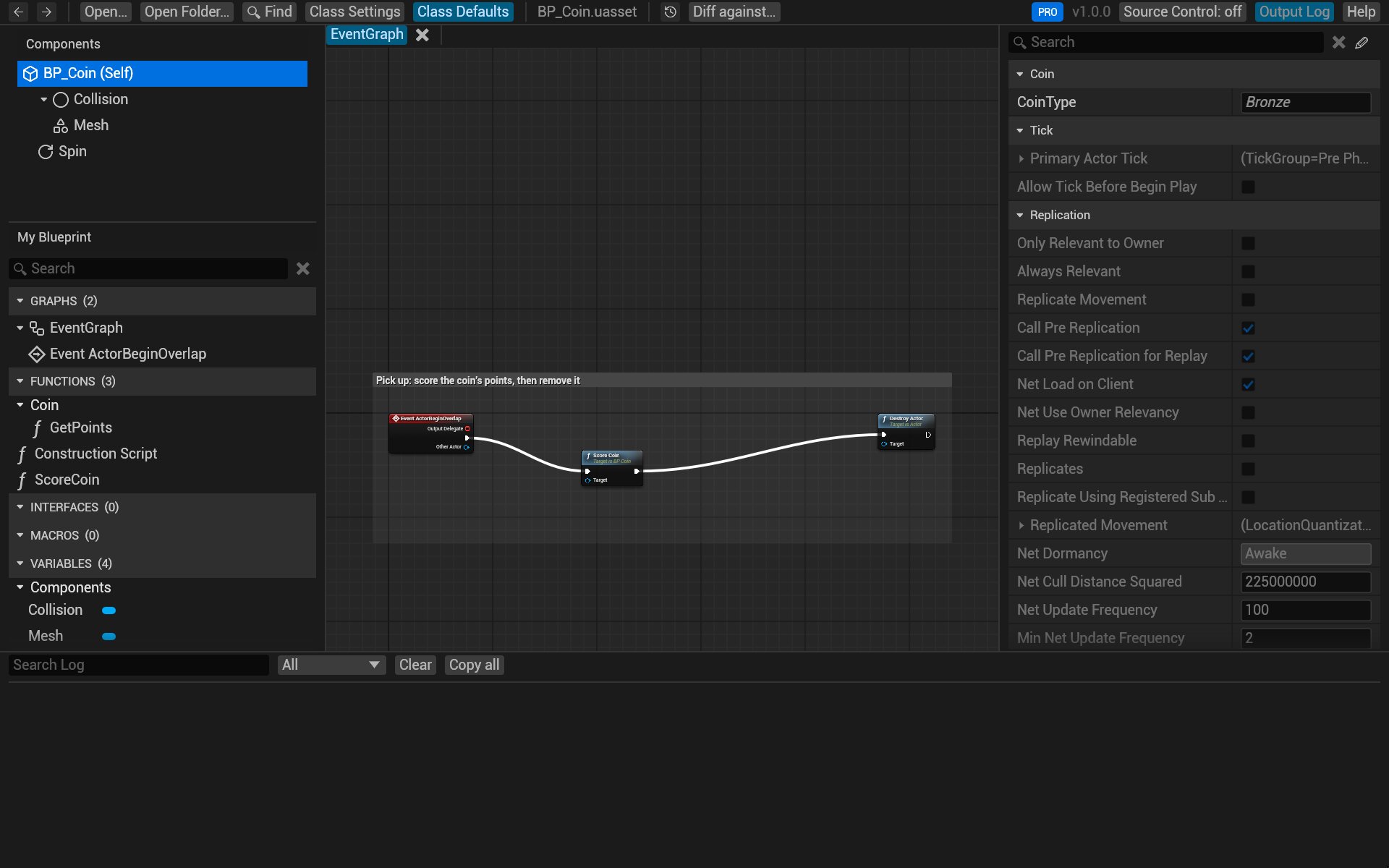
- Click Output Log at the top right (or press Ctrl+`). It lists warnings for the open file: nodes it couldn't fully read, assets it couldn't find.
- If something still looks different from the editor, write to us: see below.
git difftool or P4V doesn't open BlueprintReview
- git: see Review changes in git, Troubleshooting.
- P4V: see Review changes in Perforce, Troubleshooting.
The app doesn't start, or crashes
If BlueprintReview crashes, a dialog says so and names its log. The logs are in
%LOCALAPPDATA%\BlueprintReview\Logs: BlueprintReview.log for the last run, the five before it as backups.
Report a problem
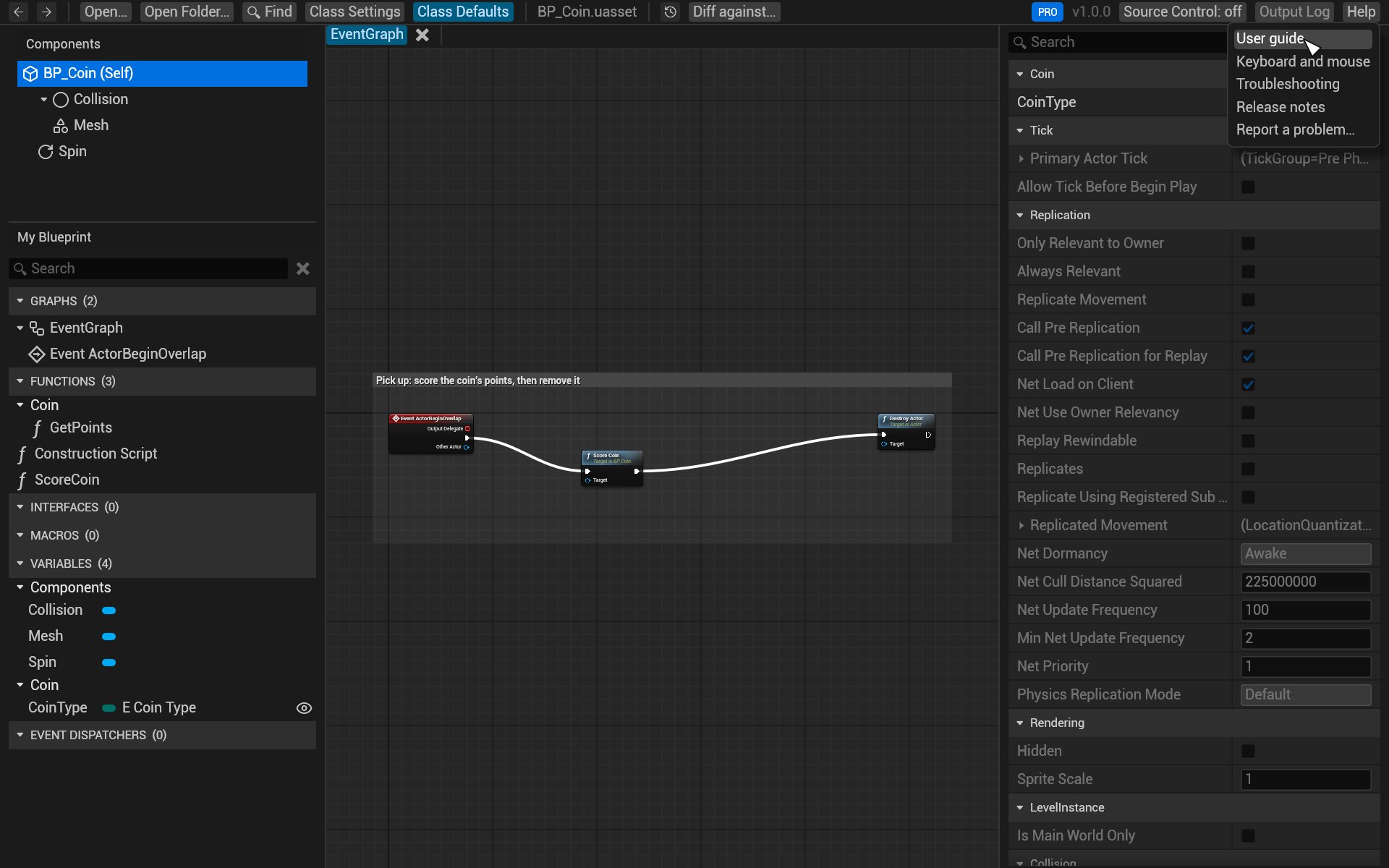
Help → Report a problem… at the top right starts an email to support@efenggamedev.com with your version in the subject. Please attach:
BlueprintReview.log(Output Log → Open log folder);- the
.uassetthat shows the problem, if you can share it, and the engine version that saved it; - a screenshot, if something looks wrong.