 BlueprintReview
 user guide
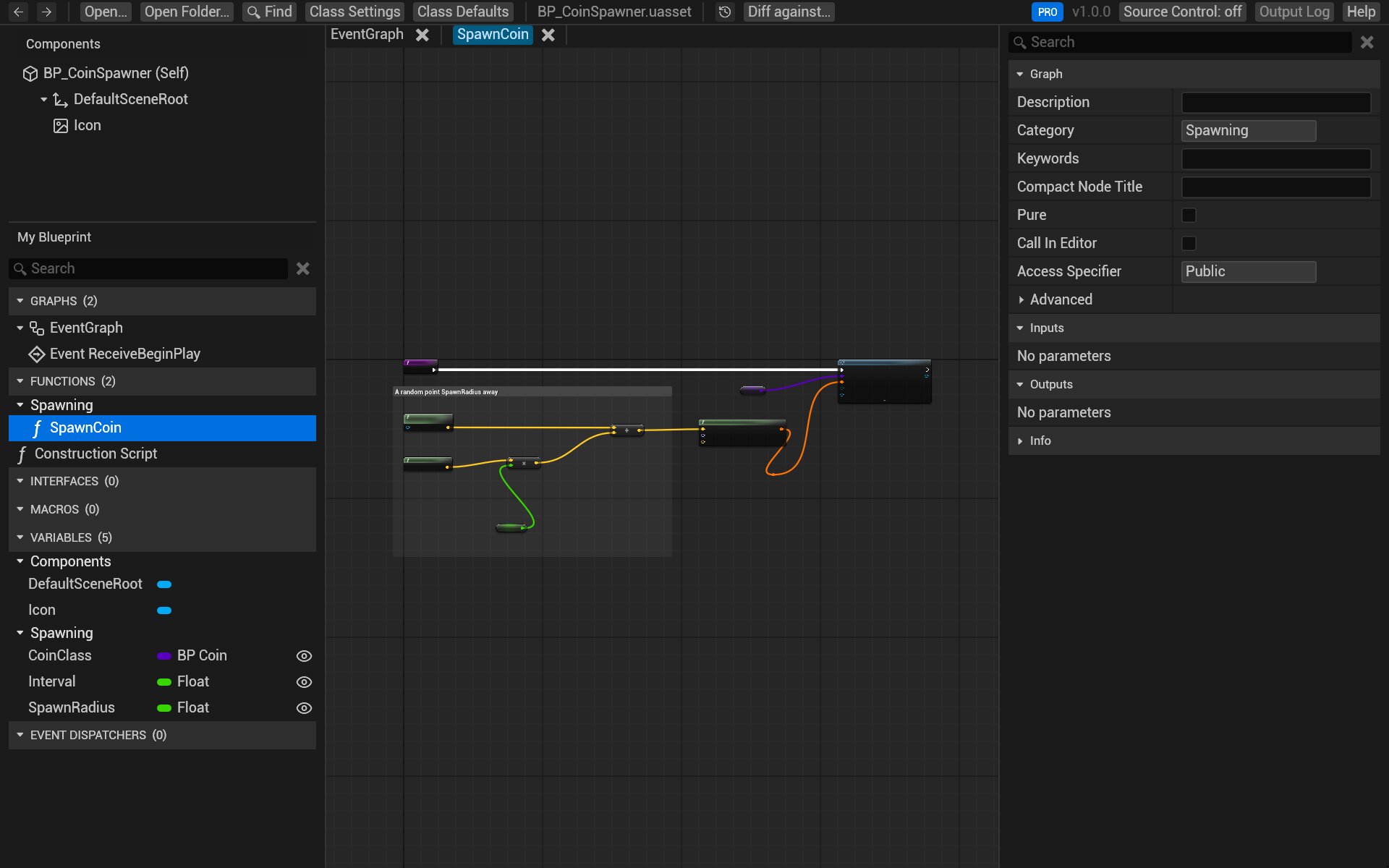
BlueprintReview opens Unreal Engine Blueprints (.uasset files) without the editor. You can read their graphs,
variables, components and defaults, search them, copy nodes into the editor, and compare two versions side by
side, from your desktop, from git or Perforce, or in a GitHub pull request.
What it opens
- Uncooked editor assets saved by UE 4.26, 4.27 and 5.0 to 5.8: Blueprints (actors, components, game modes, function libraries, interfaces, macros), and user-defined enums, structs and data tables.
- Not cooked assets from a packaged game: cooking strips the graphs, so there is nothing left to show.
BlueprintReview only reads files. Nothing you open is changed, uploaded or sent anywhere.
Start here
- Install BlueprintReview on Windows.
- Get the sample project: a small coin collector with a history made for these guides. Every page below has a Try it on the sample section that uses it.
- Open and browse a Blueprint.
Everyday tasks
| I want to… | Page |
|---|---|
| Read a Blueprint or a whole project | Open and browse |
| Find where a variable, function or node is used | Search |
| Paste nodes into the editor or blueprintue.com | Copy nodes |
| See what changed between two versions | Compare two versions |
| Review a commit or a branch | Review changes in git |
| Review a changelist | Review changes in Perforce |
| See how an asset changed over time | Time-lapse |
| Review Blueprint changes in a pull request | Review pull requests |
| Send a diff to someone without BlueprintReview | Share a diff |
| Change Blueprints from a script or an AI agent (experimental) | Your first edit plan |
Lite and Pro
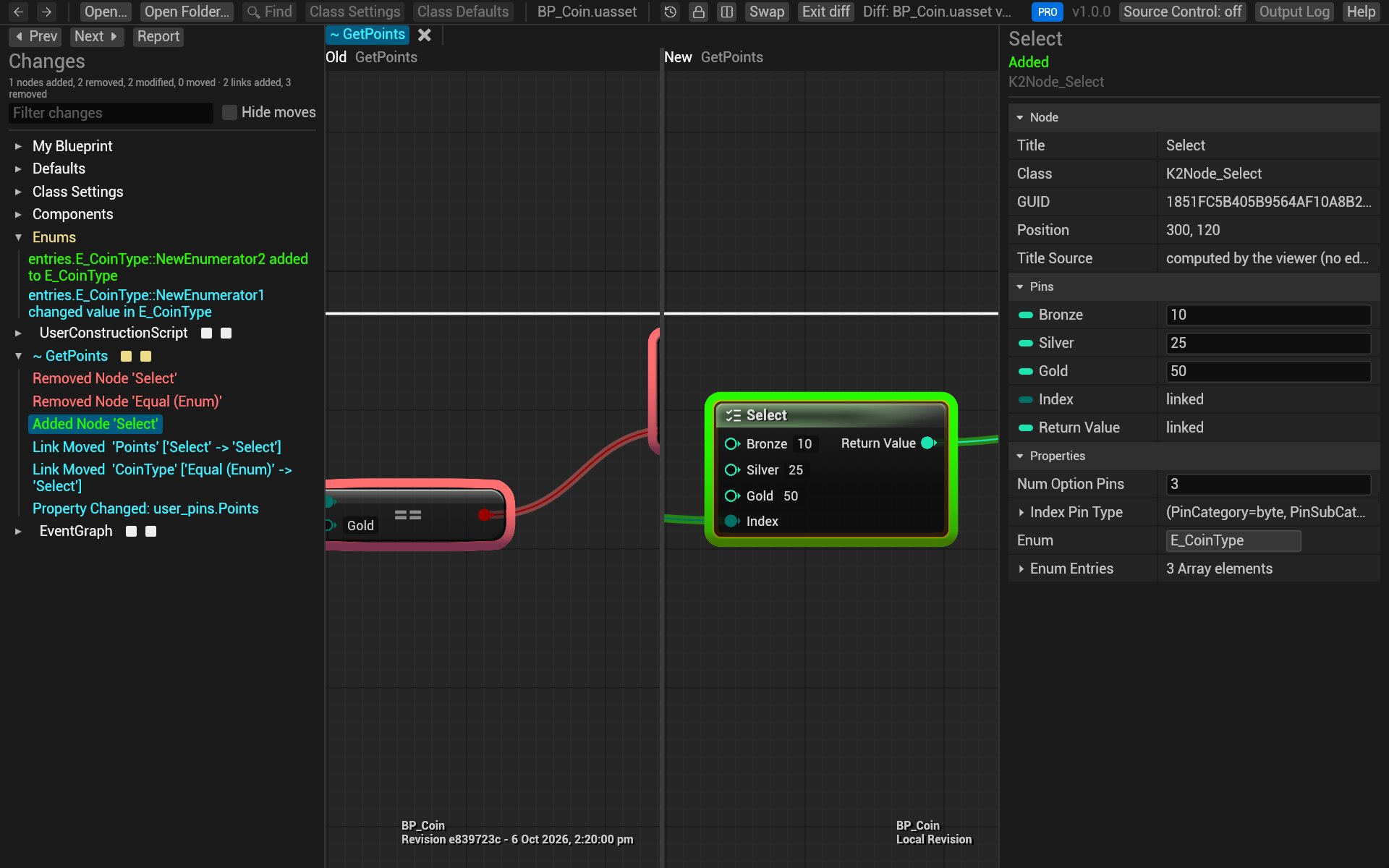
BlueprintReview has two editions. Lite is free: it opens and searches Blueprints, copies nodes, and shows a
diff as a report. Pro adds the interactive side-by-side diff, Time-lapse, and the blueprintreview diff and
blueprintreview render commands. A new install runs as Pro for 14 days. Pages mark what needs Pro;
Editions and licenses has the details.
Help
- Help at the top right of the app opens this guide (or press F1).
- Troubleshooting covers files that won't open or look wrong.
- Write to support@efenggamedev.com, with the file if you can.